THE PLAYBOOK · YINGONG123
How to play Lights Out
Start Lights Out in your browser at YINGONG123. Turn every light off. Every supplied starting state is made by valid flips from an all-off board and is therefore solvable. The page pairs the game with careful restarts, an example and answers about this edition.
Careful restarts
Start a fresh round when you want another attempt. Restarting may discard current progress; read the controls rather than assuming an account backup exists.
Your goal
Turn every light off. Every supplied starting state is made by valid flips from an all-off board and is therefore solvable.
Step by step
- Select a light or an unlit tile.
- The selected tile and its orthogonal neighbours switch state.
- Plan flips so that previously cleared rows stay cleared.
- Use Undo to try another approach.
Controls
Use the on-screen controls with a mouse or touch.
A useful example
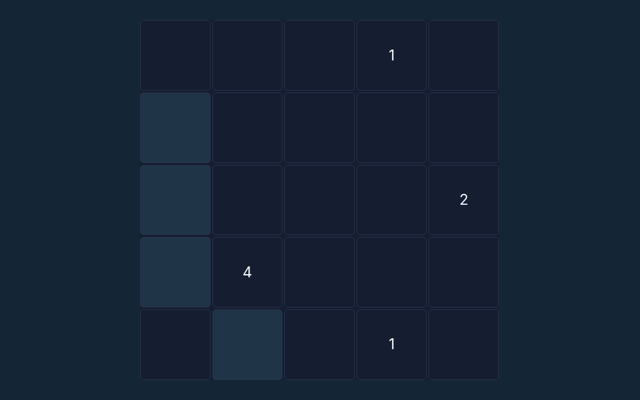
Tapping the centre changes five cells. Tapping a corner changes three. Diagonal neighbours are not affected.
Watch out for this
An unlit tile can still be tapped; it may be necessary to solve the board.
Common questions
How does this round end?
Turn every light off. Every supplied starting state is made by valid flips from an all-off board and is therefore solvable.
Can I play without an account?
Yes. This game runs in your browser without an account or a payment. There are no cash prizes.
How do I start over?
Use the New round, New puzzle or Start again control above the playing area. Starting again clears the current round.