THE PLAYBOOK · YINGONG123
How to play Chess Online
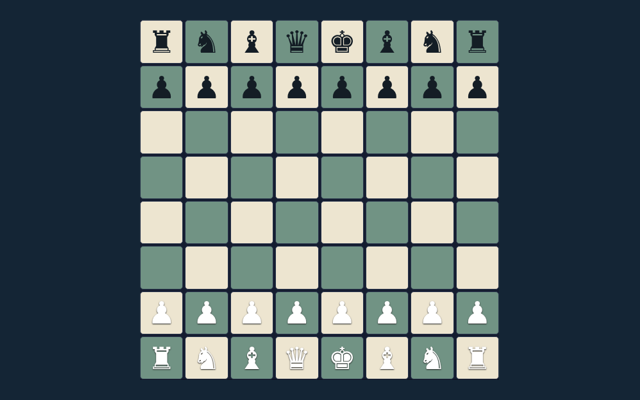
Use YINGONG123 to play Chess Online and read its instructions on the same page. Checkmate the opposing king. Follow the example-led learning approach for your next round.
Play on one device with a friend or against the basic computer opponent. Repetition and the fifty-move rule trigger an automatic draw here; there is no internet matchmaking or tournament clock.
Example-led learning
Read the worked example, identify its key decision, then look for a comparable decision while you play.
Your goal
Checkmate the opposing king.
Step by step
- Select local play or basic computer.
- Choose a piece and a legal target.
- Castling, en passant and promotion obey king-safety rules.
- Use the promotion selector before moving to the last rank.
- Undo or New game restarts play.
Controls
Tap a piece and target; choose a promotion piece when needed.
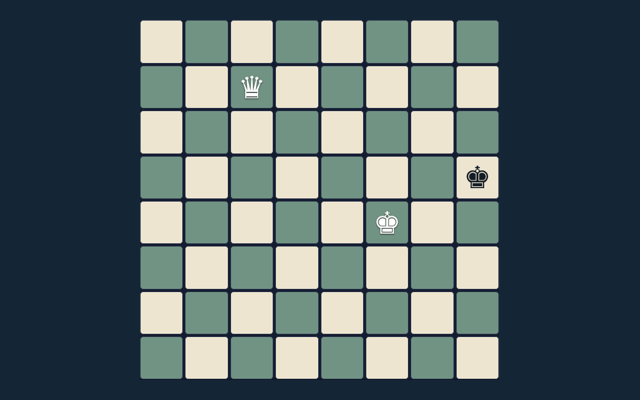
A useful example
Castling cannot pass through an attacked square.
Watch out for this
The computer is a small search opponent, not a rated engine.
Common questions
What completes a round?
Checkmate the opposing king.
Which controls should I use?
Tap a piece and target; choose a promotion piece when needed.
What can I play here?
Play on one device with a friend or against the basic computer opponent. Repetition and the fifty-move rule trigger an automatic draw here; there is no internet matchmaking or tournament clock.
Does play involve an account or cash?
No. Play is free, without registration, deposits, bets or cash prizes.